Parameters
A Parameter in Konekti is a way to make filtering throughout your workspace easier and more transparent. It is a constant variable you can use in filtering, combined sources, and advanced attributes.
Creating Parameters
Parameters are created from the dashboard. Open the Parameters panel beside the diagram and select Parameter.
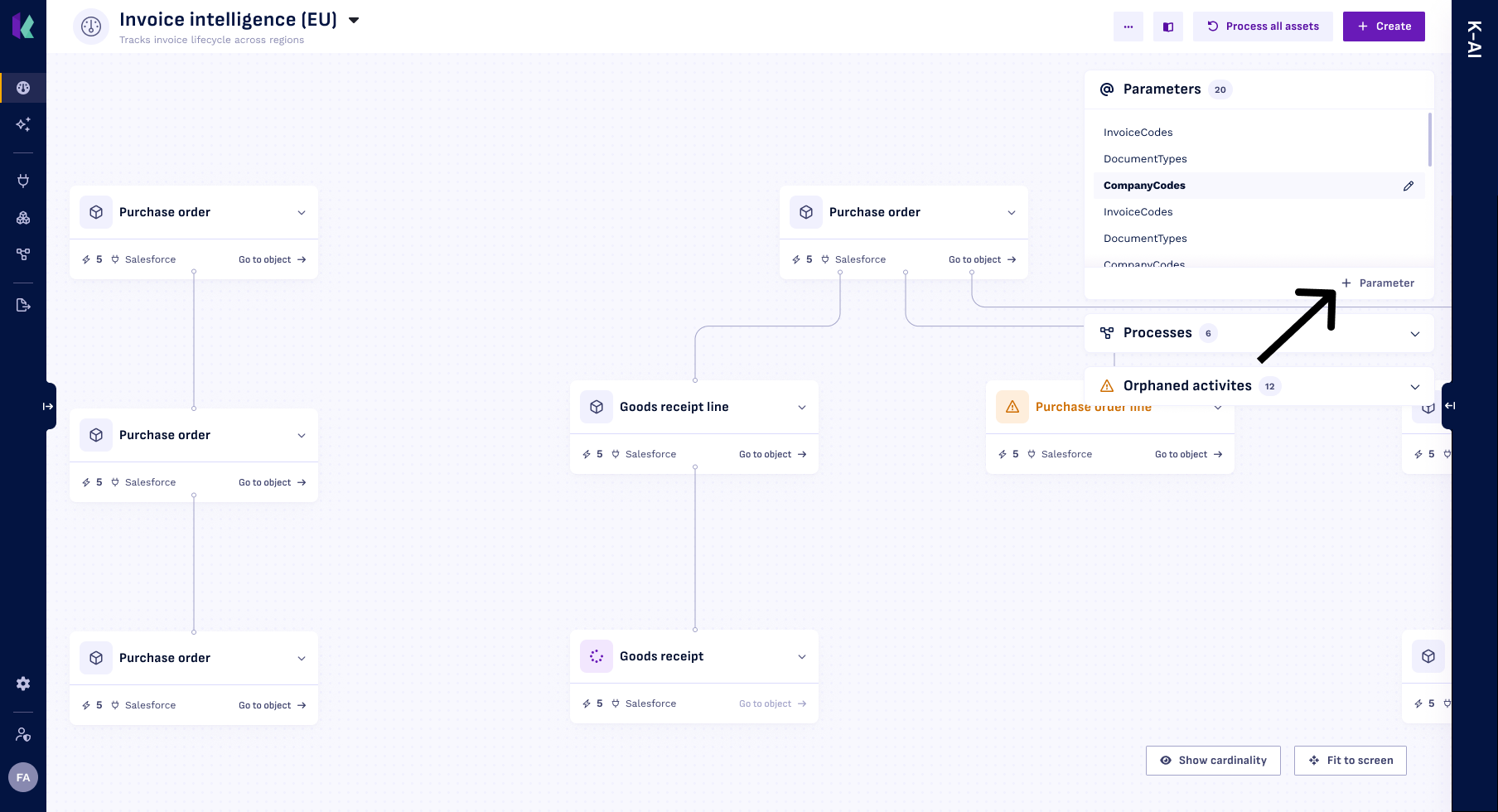
The Set parameter screen opens:
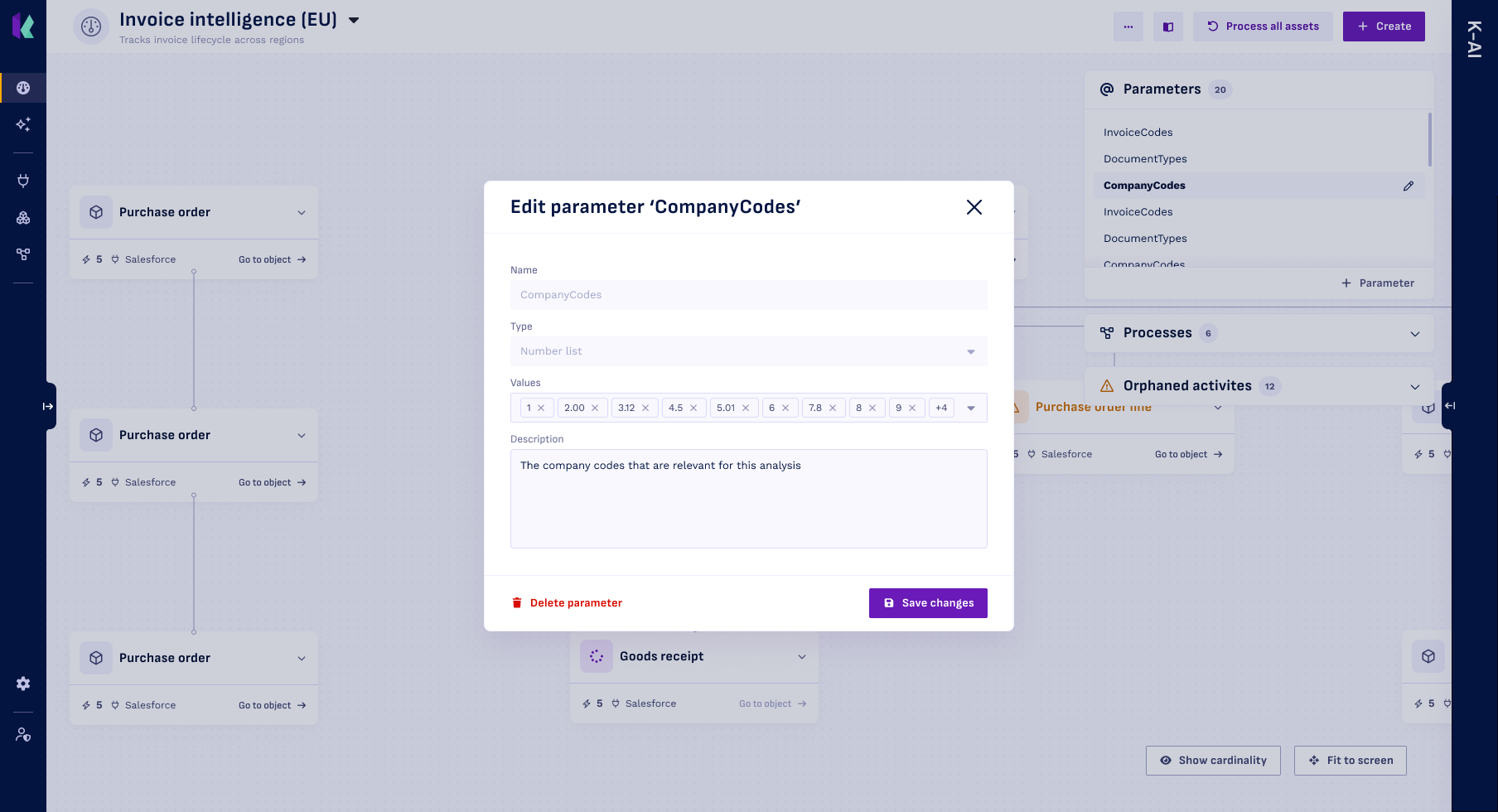
- Set a descriptive name for your parameter
- Set the type of your parameter
- Fill in the parameter value
When to use Parameters
When you filter multiple times on the same value it is often easier to use a parameter. After creating the parameter you can add @myparameter in the filter field
instead of your original value. You could also use them when the filter value itself is not self-explanatory
As an example, you are filtering on Items for the building industry, you do this with Industry = 2, with this filter it is not immediately clear
you are filtering for the building industry, so instead, you create a parameter @BuildingIndustry = 2.
So now Industry = @BuildingIndustry, and it is immediately clear what you are filtering on.