Overview
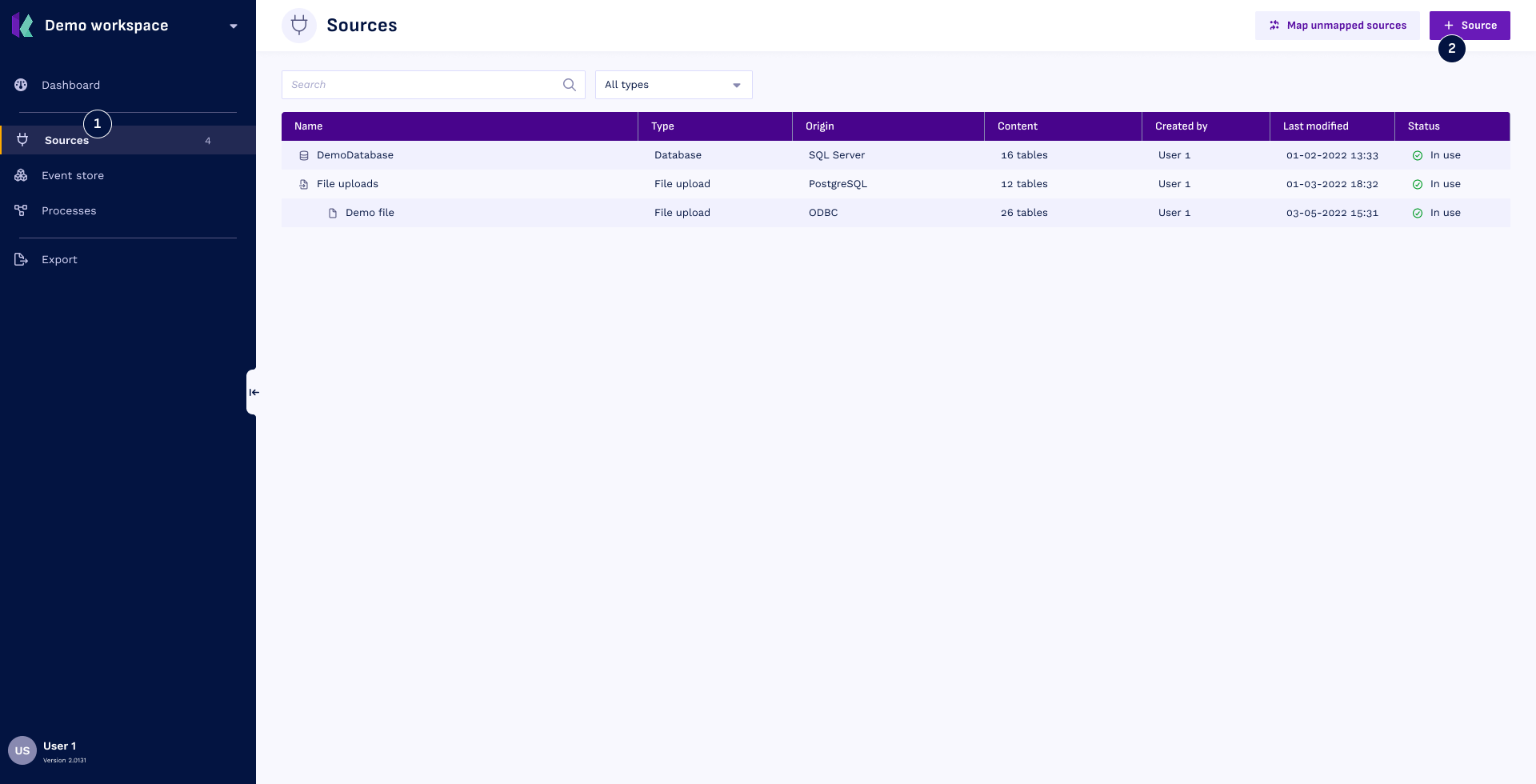
Sources in Konekti serve as the gateways to your process data. Set up one connection to start using Konekti. Set up multiple connections to integrate data from different sources.
Source Types
Konekti supports various source types to cater to your diverse data integration needs:
- Database: Establish a direct connection to your database.
- File Storage: Load files into Konekti using a cloud file (also known as data lake) storage.
- File Upload: Upload files into Konekti.
- Combined Source: Merge and transform tables from any of the three sources mentioned above.
Create and edit sources
To begin:
- Navigate to Sources by selecting Sources from the left menu.
- Create a New Source by clicking the + Source button in the sources overview.
This action will open a new modal. To configure and manage your sources effectively, follow the instructions in the upcoming sections tailored to each source type.