Exporting the code
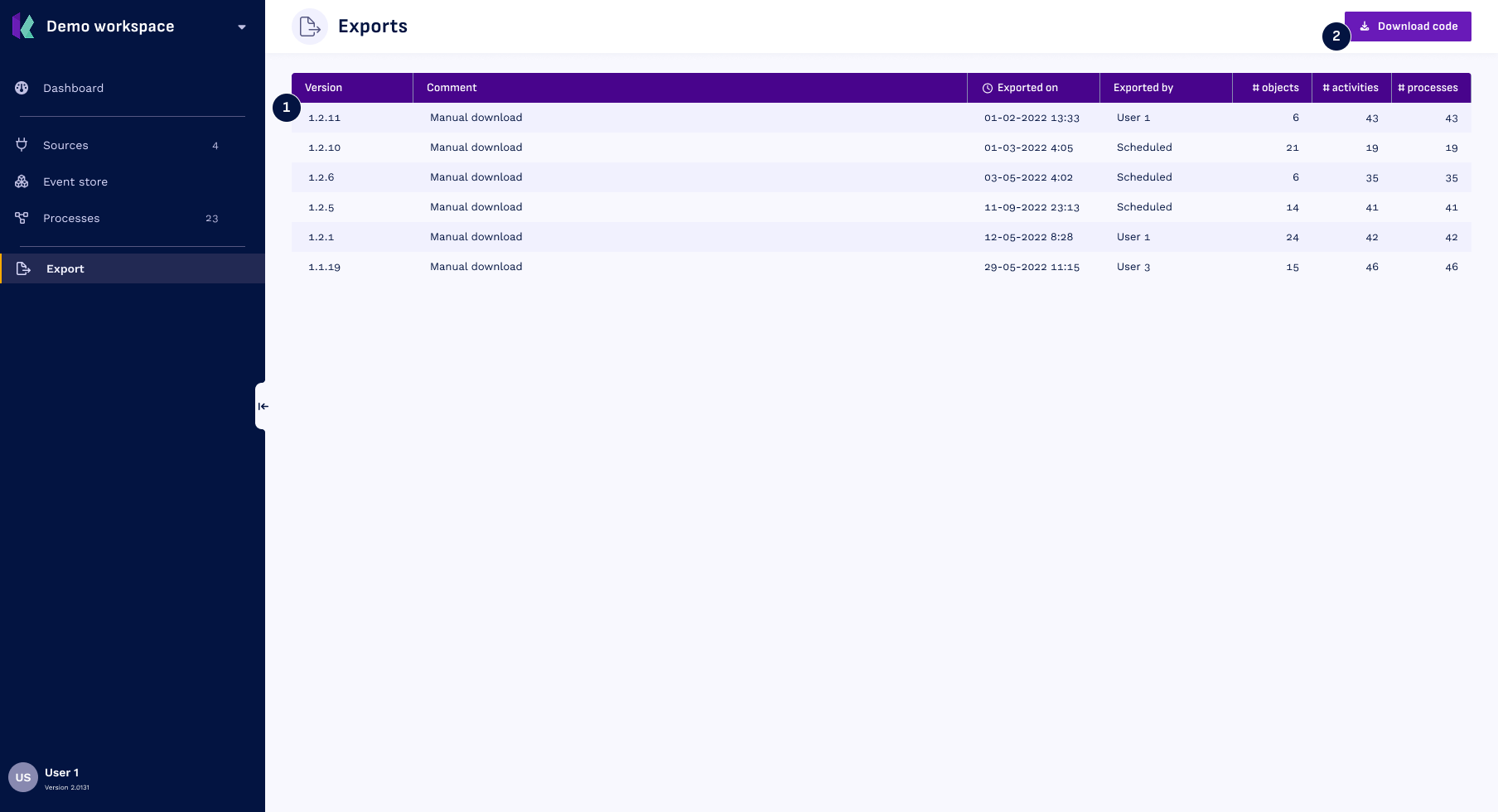
You can export the code to create objects, activities and event logs from within the Export overview. Click Export in the navigation to visit the export page
- In the tabel you will see all the export that have been done in the past
- Click the
Download codebutton to start the export process
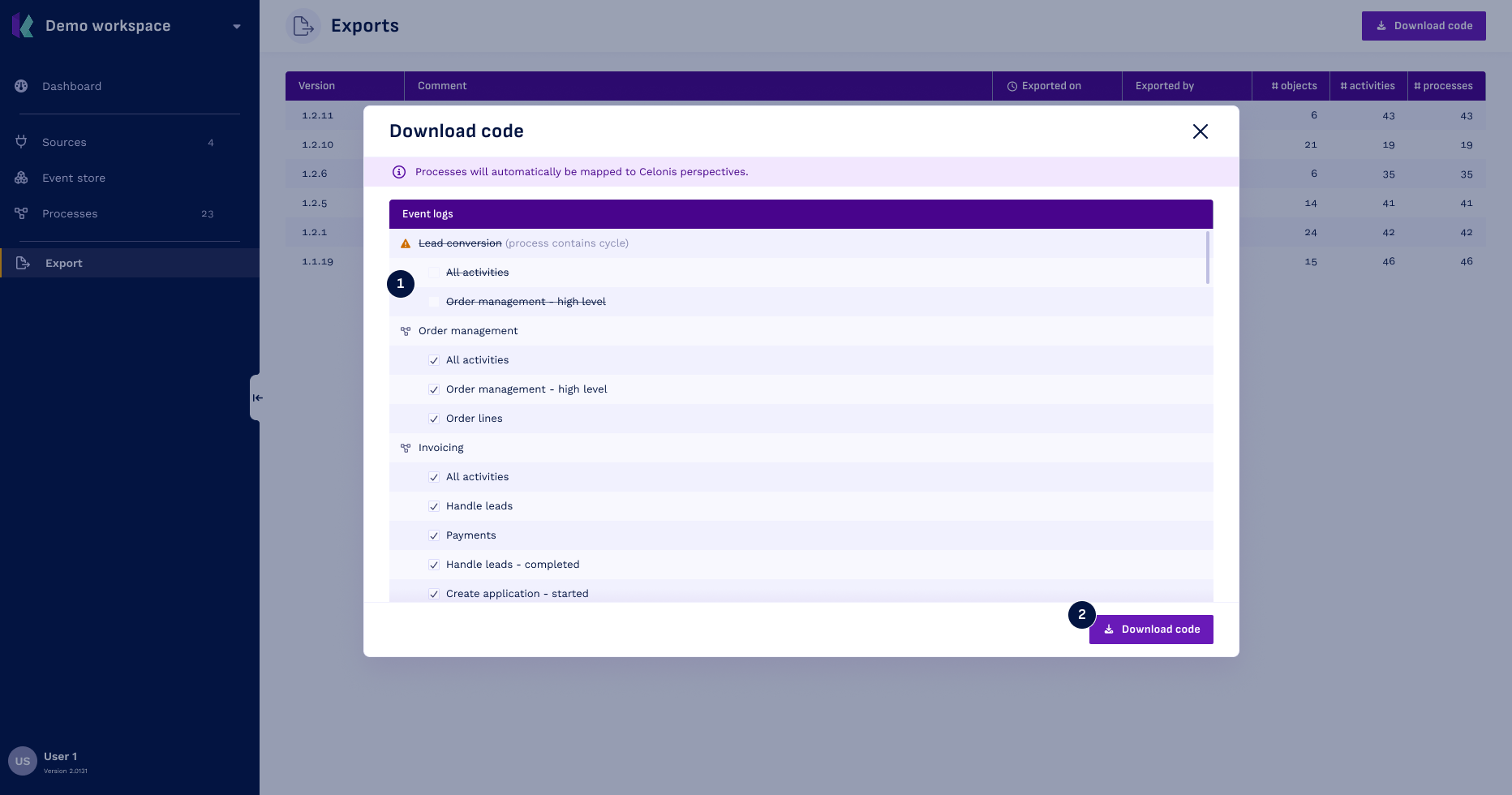
The modal that opens allows you to choose which event log belonging to a specific process you want to include in the export.
- Note that event logs from processes that contain cycles cannot be selected for export.
- Click
Download codebutton: a zip file will be downloaded, containing:- A folder called Celonis containing everything that is needed for Celonis.
- One file to create all objects and activities (
eventstore); - One file for each included event logs
For more information on how the code works, and how to run it on your own infrastructure, please check out the rest of this section.